Rental Application Processing Canada: A Landlord Guide
Rental application processing Canada guide for landlords: collect consent, organize documents, protect privacy, and keep fair human review in every decision.
About the author
Amir Sojoudi · Co-founder, Propilot
Amir Sojoudi is the co-founder of Propilot. He builds AI-powered tools for Canadian landlords.
Rental Application Processing Canada: A Landlord Guide
Estimated reading time: 12 minutes
Key Takeaways
- Rental application processing is the operational path from an application arriving to a documented human decision and secure retention or deletion.
- To automate rental application processing in Canada, automate administration first: acknowledgements, completeness checks, reminders, and a review packet.
- Consent, collection purpose, access control, and retention should be designed into the workflow before the first applicant submits information.
- A score, flag, or status can help a reviewer work faster, but it should not make the final housing decision by itself.
- This guide uses BC sources as a practical starting point. Human-rights and privacy obligations vary by jurisdiction, so verify the rules for the property involved.
This article is general information for Canadian landlords, not legal advice. It does not certify a workflow, product, or individual tenancy decision as compliant.
Table of Contents
- Why Application Processing Is Its Own Workflow
- Rental Application Processing Canada: A Six-Step Workflow
- Automate Rental Application Processing Canada Without Automating the Decision
- Privacy, Consent, and Data Handling
- Fair Process and Human Review
- Questions to Ask Before Using a Workflow Tool
- How Propilot Fits the Workflow
- Rental Application Processing Canada: A Practical Standard
- Sources and Limitations
- Related Reading
- Frequently Asked Questions
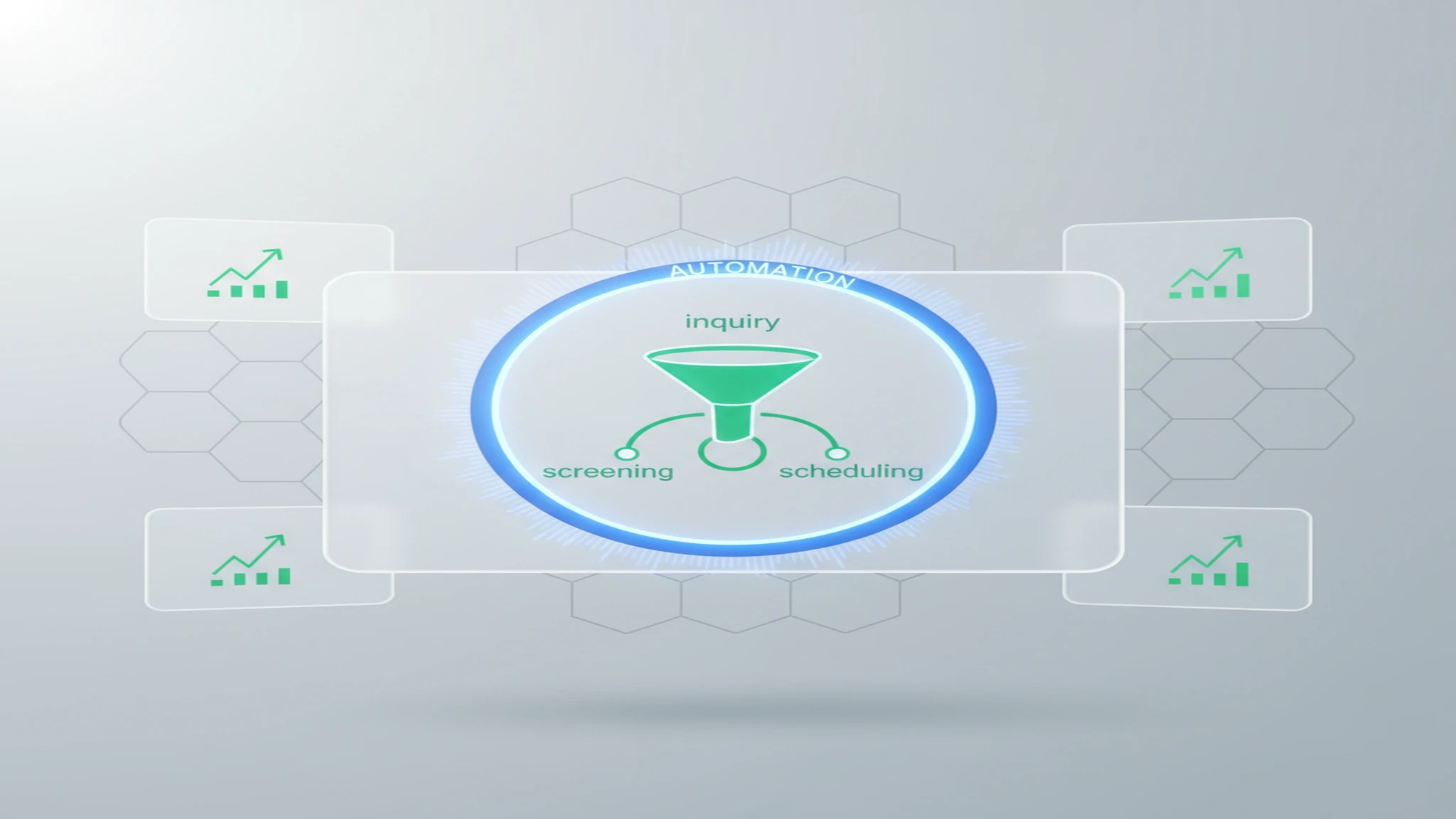
To automate rental application processing in Canada, start by automating administration, not the final decision. A useful workflow acknowledges receipt, records consent, identifies missing items, organizes information into a review packet, and sends the packet to a person who can assess it against the rules for that rental. The final choice to offer or decline a tenancy stays with a named decision-maker.
This topic is adjacent to, but different from, a rental form or a screening guide. A rental application template for Canada helps decide which fields and notices belong in the intake form. Tenant screening assesses evidence. Application processing is the operating layer that makes sure every submission moves through those stages consistently, privately, and without disappearing into an inbox.
Why Application Processing Is Its Own Workflow
Small landlords often handle applications through emails, attachments, texts, and reminders. That can work for one applicant, then produce inconsistent follow-up when several files arrive at once.
A workflow fixes the sequence, not the outcome. It gives every application a status, assigns the next action, and keeps review information in one place. Before listing the unit, decide which information is necessary, who can access it, who makes the final decision, and when records are deleted or retained.
Those decisions turn an application form into an operating process and reduce ad hoc exceptions after seeing information that should not influence the choice.
Rental Application Processing Canada: A Six-Step Workflow
| Step | Workflow objective | Automation can help with | A person remains responsible for |
|---|---|---|---|
| 1. Prepare | Set the unit, application fields, and review owner | Publish a single link and standardized acknowledgement | Choosing relevant fields and setting the process before applications arrive |
| 2. Receive | Confirm an application arrived | Timestamp receipt and send a neutral confirmation | Handling accessibility needs, questions, or a request that does not fit the standard flow |
| 3. Check completeness | Identify missing required items | Compare submitted fields against the form and send a reminder | Deciding whether a request is necessary and reviewing exceptions or conflicting data |
| 4. Organize | Create one review packet | Group documents, consent records, notes, and application status | Checking source documents and deciding whether follow-up is needed |
| 5. Review | Apply the landlord’s documented process | Surface a checklist or flag an unresolved item | Making the final tenancy decision and recording the basis for it |
| 6. Close | Retain or delete responsibly | Apply retention reminders and restrict access | Confirming the schedule, handling a dispute hold, and responding to applicable privacy requests |
Step 1: Prepare the intake before the listing goes live
Use the same application path for comparable applicants. Confirm the rent, move-in window, occupancy information you need, contact method, and the person who owns the file. Put any consent notice where an applicant sees it before sending sensitive information.
Each field should have a clear purpose. If you cannot explain why it is needed, who sees it, and when it will be deleted, reconsider requesting it. A template helps with intake, but processing design starts after submission.
Step 2: Acknowledge receipt without making promises
An immediate acknowledgement can reduce follow-up messages and set expectations. Keep it factual: the application was received, the next step is a completeness check, and a person will contact the applicant if more information is needed. Do not imply approval merely because the form was accepted by the system.
Use statuses such as received, awaiting information, ready for review, human review, and decision recorded. They are workflow tools, not labels about a person.
Step 3: Check completeness and capture consent
Automation is particularly useful here. It can identify that a required field is blank, a required consent record is absent, or an attachment was not received. It can send the same neutral reminder to each affected applicant instead of relying on memory.
The boundary is important. A missing document should normally create a request for clarification, not an automatic denial. If an application needs a different path because of accessibility, timing, or an unusual factual issue, route it to the human reviewer instead of forcing it through a rigid rule.
Step 4: Build a review packet, not a hidden score
Combine the submitted application, consent record, documents, reference notes, and any follow-up answers in one place. Make it clear which facts were submitted by the applicant, which are still unverified, and which item requires a follow-up. A concise packet saves time because the decision-maker does not have to search across email threads.
This is where an AI or workflow tool may assist with organization. It should preserve the underlying information and show the criteria or checklist behind any flag. For a separate buyer’s guide on automated evidence review, see AI tenant screening software for Canadian landlords. That guide addresses screening tools; this article focuses on the end-to-end application handoff around them.
Step 5: Complete a human review and record the outcome
The reviewer should see the same file structure for each applicant and have authority to seek clarification. A final decision should not be the silent output of a pre-qualification rule, an opaque score, or a copied recommendation.
Record the criteria version used, the evidence reviewed, open questions, and the final status. Keep the record factual. Do not add assumptions about a person or information unrelated to the tenancy decision. If the file touches a potential human-rights, accommodation, or privacy issue, pause the routine workflow and get appropriate local guidance.
Step 6: Close the file deliberately
Processing does not end with an acceptance or decline. Move the record to the correct restricted-access state, apply the documented retention schedule, and delete information that no longer has a justified purpose. If an applicant withdraws, asks a question about their data, or a complaint arises, do not improvise from an inbox. Follow the applicable process and preserve only what must be retained.
Automate Rental Application Processing Canada Without Automating the Decision
The practical answer to “how do I automate rental application processing?” is to automate the repeatable administrative work that sits around judgment:
- Send the same acknowledgement and missing-item reminder.
- Maintain a single status for each application.
- Make consent records easy to find.
- Route complete files to the reviewer in a consistent order.
- Record who changed a status and when.
- Trigger a retention review after the process closes.
Keep these decisions with a person: whether a field is relevant, whether a document is reliable, whether more context is needed, whether local law affects the situation, and whether to offer a tenancy. A human click is not enough if the workflow hides the evidence or the rule. The reviewer needs a genuine chance to inspect the complete file and explain the result.
Automation handles speed and consistency. Human review handles context and accountability.
Privacy, Consent, and Data Handling
Application data can include contact details, income information, addresses, references, and documents. It needs deliberate rules.
For BC rentals, start with the Personal Information Protection Act and resources from the Office of the Information and Privacy Commissioner for BC. The exact legal obligations can depend on the landlord, property, service provider, and facts. A vendor privacy policy is not a substitute for determining what applies to your situation.
At minimum, make these questions part of your workflow design:
- Purpose: Can you explain why each application field is collected?
- Consent: Does the applicant see what checks or disclosures are planned, and is the consent record retained with the application?
- Access: Which landlord staff, property managers, or vendors can view the file? Can access be removed promptly?
- Data path: Where is information stored, which subcontractors receive it, and is data transferred outside Canada?
- Retention: What event starts the deletion clock, and how is a hold handled if a dispute or complaint exists?
- Incident response: If information is sent to the wrong person or accessed improperly, who is responsible for the next step?
Ask these questions before inviting the first applicant, not after a concern requires reconstructing the data trail.
Fair Process and Human Review
The BC Human Rights Tribunal’s housing guidance says the Human Rights Code forbids discrimination regarding tenancy. Section 10 of the BC Human Rights Code addresses discrimination in tenancy premises. Other provinces and territories have their own rules and regulators.
For an application workflow, that means consistency matters before a screening decision exists. Use the same intake path for comparable applicants, keep required questions tied to a clear purpose, and avoid creating special channels that expose irrelevant personal information to the reviewer. A process that changes informally from person to person is harder to explain and audit.
Human review is not a magic fix for a bad rule. It is a boundary that lets the landlord verify the evidence, ask a necessary follow-up, and identify when a routine workflow is no longer appropriate. The Related Reading section includes a BC-focused guide to the screening stage.
Questions to Ask Before Using a Workflow Tool
When a vendor says it automates rental applications, ask for a live demonstration using fictional files. Good questions reveal whether the system supports a process or merely adds a glossy inbox:
- Can the vendor show the exact applicant consent and status history?
- Can a reviewer see the source documents behind a flag or summary?
- Which actions are automatic, and which require a human approval?
- Can the workflow be configured for a specific province without using protected characteristics or informal proxies?
- Who can access a declined application, and when is it deleted?
- Is applicant data used to train or evaluate models? If so, can that use be disabled and documented?
- What happens when the tool cannot interpret a document or a file is incomplete?
Document the answers from the sales conversation. If the answer is vague, ask for the contract term, data-processing description, or a test environment. Do not assume a product is suitable merely because it can send forms quickly.
How Propilot Fits the Workflow
Propilot is designed around a broader leasing workflow that includes tenant screening. The same evaluation standard applies: before enabling any application automation, ask to see the current intake fields, consent language, access controls, data sources, review record, retention settings, and the point where the landlord makes the final decision.
For landlords who want to explore the workflow further, start a Propilot trial after defining those operating rules. A tool should make the process easier to explain, not harder to inspect.
Rental Application Processing Canada: A Practical Standard
Rental application processing Canada is not about turning applicants into scores. It is about moving each file through a known sequence: receive, disclose, complete, organize, review, decide, and close. When that sequence is clear, automation can reduce the administrative load without making a hidden decision on the landlord’s behalf.
Start small. Build one consistent workflow for one unit, test it with a fictional application, and identify where information leaves the process. Then apply the same structure across future vacancies, updating it when local rules, privacy needs, or your operating model change.
Sources and Limitations
Sources were checked on August 12, 2026. This guide relies on the BC Human Rights Tribunal, BC Laws, the BC OIPC, and the Province of British Columbia as public starting points. It does not provide legal advice, real-time vendor security verification, or a guarantee that a workflow complies with every Canadian jurisdiction. Confirm current rules and contract terms before using a tool with real applicant information.
Related Reading
- Free Rental Application Template Canada 2026: choose fields and notices for an intake form.
- Best AI Tenant Screening Software 2026: evaluate tools that organize screening evidence after application intake.
- How to Screen Tenants in BC: Legal Requirements and Best Practices 2026: BC-specific context for the screening decision itself.
Frequently Asked Questions
What is rental application processing?
Rental application processing is the workflow that moves an application from receipt through consent, completeness checks, evidence organization, a human decision, and secure retention or deletion. It is broader than a form and narrower than a full tenant-screening policy.
How do I automate rental application processing in Canada?
Automate administrative steps such as acknowledgements, missing-document reminders, status updates, and assembling a review packet. Keep a named person responsible for deciding whether to offer a tenancy after reviewing the complete file and applicable local rules.
What consent should a landlord collect with a rental application?
Tell applicants what information you collect, why it is needed, who will receive it, and what checks you plan to request. The wording and required consent depend on the jurisdiction and service used, so confirm it with the relevant privacy rules and provider.
Can software automatically deny a rental applicant?
A prudent workflow does not let software issue an unreviewed final approval or decline. Automation can organize evidence and flag questions, while a landlord or authorized decision-maker reviews the file, applies appropriate local criteria, and records the outcome.
How long should landlords retain rental applications?
Set a documented retention and deletion schedule that fits the collection purpose, applicable privacy and human-rights obligations, and any active dispute or complaint. Do not keep sensitive applicant data indefinitely simply because storage is inexpensive.
Related Tools & Resources
Sources and citations
- Human rights and duties in housing — BC Human Rights Tribunal
- Human Rights Code, section 10: Discrimination in tenancy premises — BC Laws
- Personal Information Protection Act — BC Laws
- Guidance Documents — Office of the Information and Privacy Commissioner for BC
- Residential tenancies — Government of British Columbia